
Quick Support
Need a Hand?
We use Windows Quick Assist to provide secure, instant remote support. Follow the steps below to get started.
1
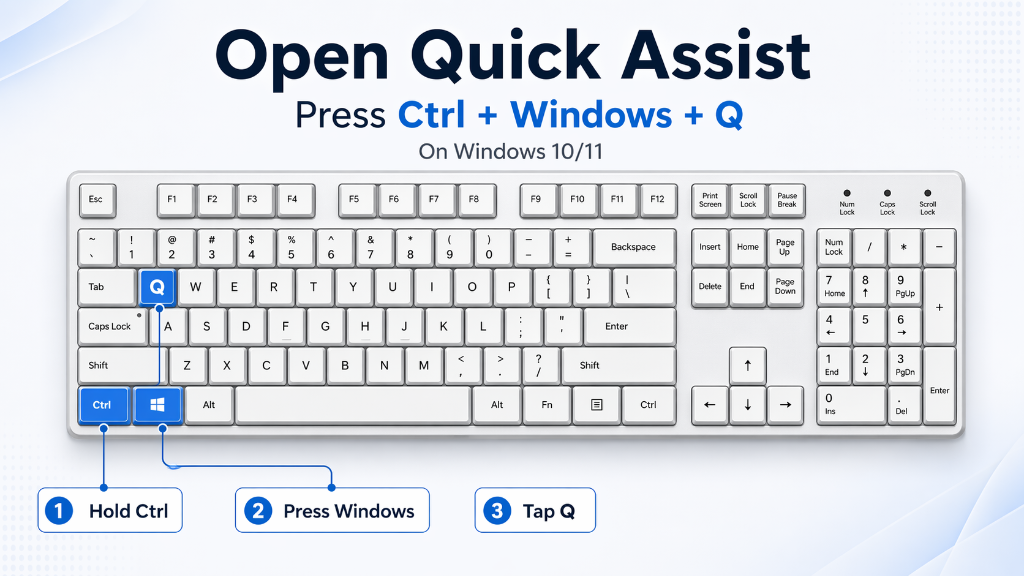
Open Quick Assist
Press the shortcut on your keyboard to launch the app instantly.
Ctrl + ⊞ + Q
2
Enter the Code
Your technician will provide a 6-digit security code. Enter it into the box.
3
Share Screen
Click "Allow" to share your screen so we can see what's happening and fix the issue.